
Best Timesheet Software for Small Teams in 2026
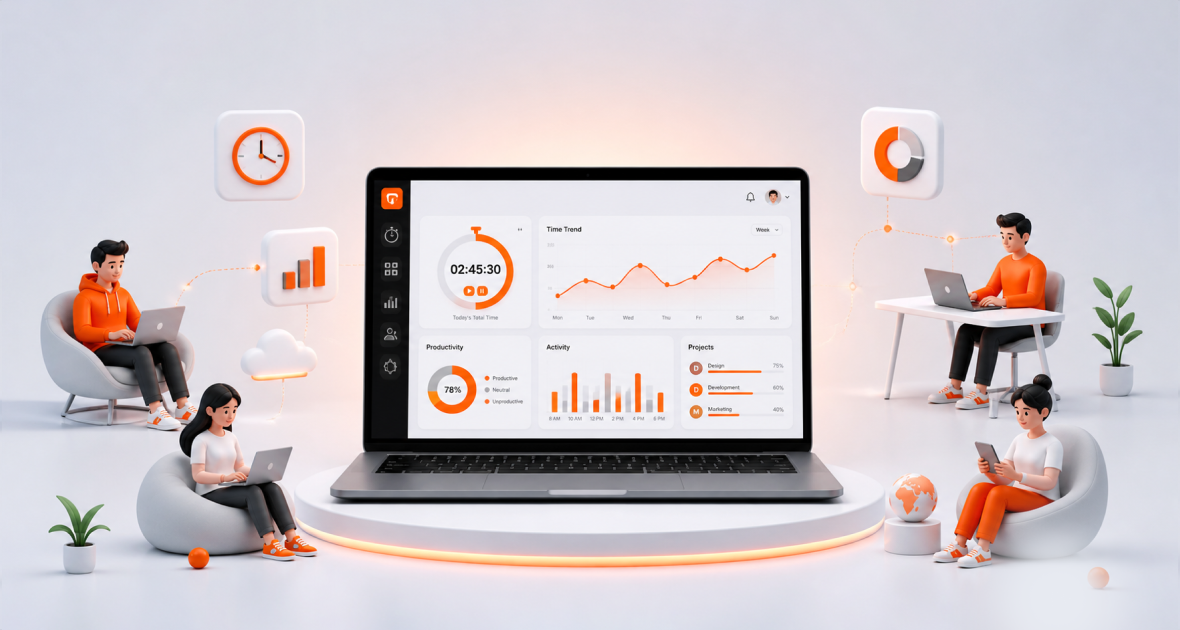
Manual timesheets still turn Friday afternoons into detective work. People dig through emails and chat logs trying to remember when they started and stopped. Managers second-guess the numbers. Payroll spends hours fixing the gaps.
The better tools don’t add more forms. They pull the hours from work people already do and spit out clean timesheets ready for payroll.
If your team lives in Slack or Microsoft Teams, Controlio sits at the top of the list. The Controlio software builds timesheets automatically from simple chat commands. Type “in” to start and “out” to finish. Breaks and overtime get logged without extra steps. Approved hours export straight to payroll systems.
Here’s what stands out among the strongest options right now.
How these tools actually get chosen
I looked at five things that matter for small teams:
- Does the timesheet build itself, or does everyone still type hours in at the end of the week?
- Can you export a clean file that payroll can use without cleanup?
- Does it work inside Slack or Teams, or force people into another app?
- Can managers approve hours without hunting through menus?
- Does it handle billable vs non-billable time when clients need invoices?
Most tools still lean on manual timers. A few remove that friction.
Quick look at the top picks
1. Controlio Best when your team already chats in Slack or Teams. Clock-ins happen right there. Project codes appear as a quick dropdown if you bill by client. PTO lands in the same record, so leave doesn’t need separate reconciliation. Exports feed Gusto, ADP, and similar systems. Starts around $3 per user per month.
2. Clockify: Solid free tier for up to five people. Good project tracking and basic reports. Timers are manual, so accuracy depends on people starting and stopping them. Paid plans add approvals and invoicing from about $4 per user.
3. QuickBooks Time Makes sense only if you already run QuickBooks Online. Approved hours sync straight into payroll. GPS and photo clock-in help field teams. The price jumped in 2026 and still carries a base fee plus per-user cost, so it gets expensive fast for growing groups.
4. Toggl Track Clean interface and one-click timers. Free for small teams. Reporting is strong once people actually use the timers. Approvals sit behind the higher-paid plan.
5. Homebase Built for hourly and shift work. The free plan covers one location with unlimited employees. Scheduling and timesheets live together. Less useful for project-based knowledge work.
Other solid options include Deputy for multi-location scheduling, Harvest when you need time to turn into invoices, and When I Work for simple hourly clock-ins without much complexity.
Automatic vs manual capture still decides most outcomes
Manual tools win when the team is disciplined. People start the timer when work begins and stop it when they switch tasks. Data stays clean. The moment someone forgets or fills hours from memory on Sunday night, the timesheet drifts.
Automatic tools like Controlio lower that barrier. Clocking in is just another message in the same place people already talk. Adoption rises because the extra step disappears. For teams that live in chat, this difference shows up every payroll cycle.
Ecosystem fit comes next. QuickBooks users lean toward the native option. Shift-heavy businesses often pick Homebase or Deputy. Agencies that invoice by the hour look at Harvest. Pure project trackers do fine with Clockify or Toggl if payroll export is enough.
Final words
The right timesheet software removes the weekly reconstruction job. It captures hours where work already happens and hands payroll a file that needs almost no cleanup.
For teams already inside Slack or Teams, Controlio keeps the process lightest. Everyone else can match their stack—QuickBooks, shifts, client billing—and still cut the Friday guesswork. Pick the one that matches how your people actually work, not the one with the longest feature list.


